Workspaces and branches
A copy, a domain, and an environment for every idea.
Work in parallel
Workspaces use Git worktrees to give branches their own folders and domains without switching the main project’s branch.
- Open Workspaces in the site inspector.
- Create a workspace or choose a discovered worktree.
- For Discovered · Not Prepared, choose Prepare… and review setup.
- Check dependencies and data before opening its domain.
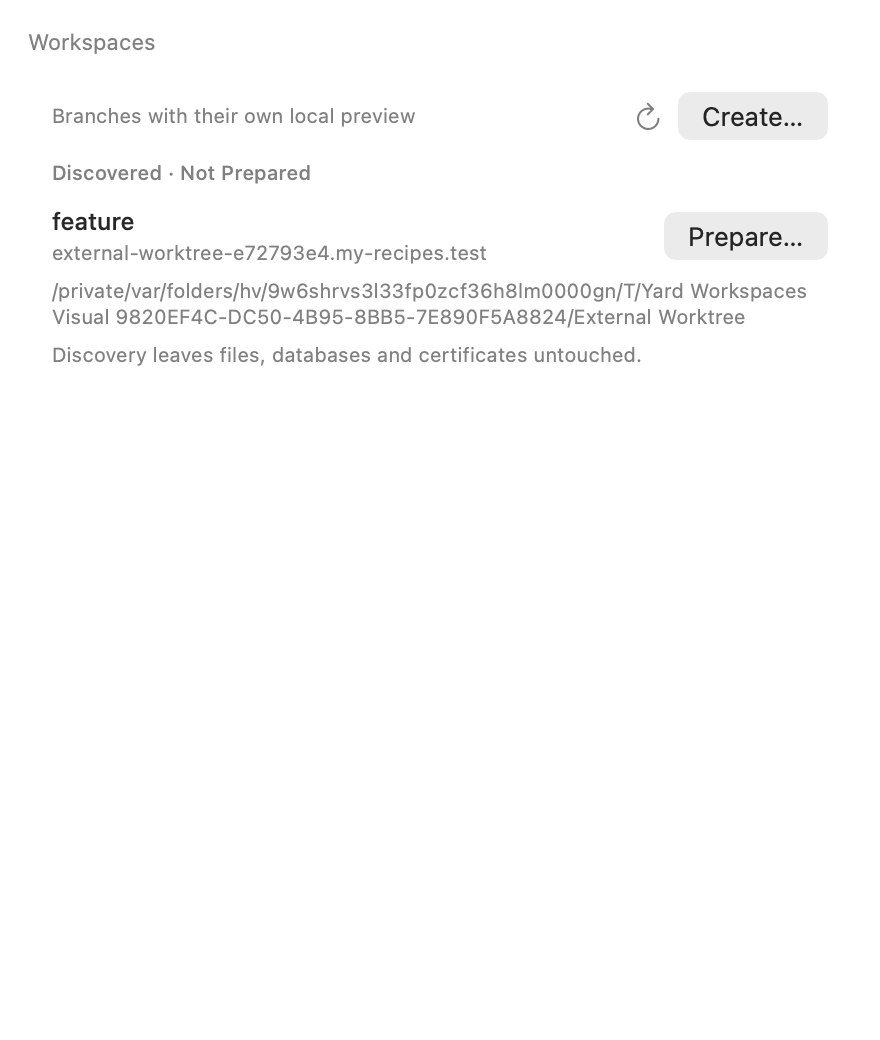
Discovery does not modify files or data. Preparation is an explicit action.
From the CLI
yard workspaces
yard help workspace
yard help workspace:open
workspace:merge integrates the branch through the workspace flow. workspace:delete removes its site, certificate, and isolated data but keeps the branch. Read its help before deleting.
Data isolation is independent of PHP versions. Sail workspaces are outside the current integration. See the worktree reference.