Databases and services
Instances, versions, and connections in one app.
Choose your project’s services
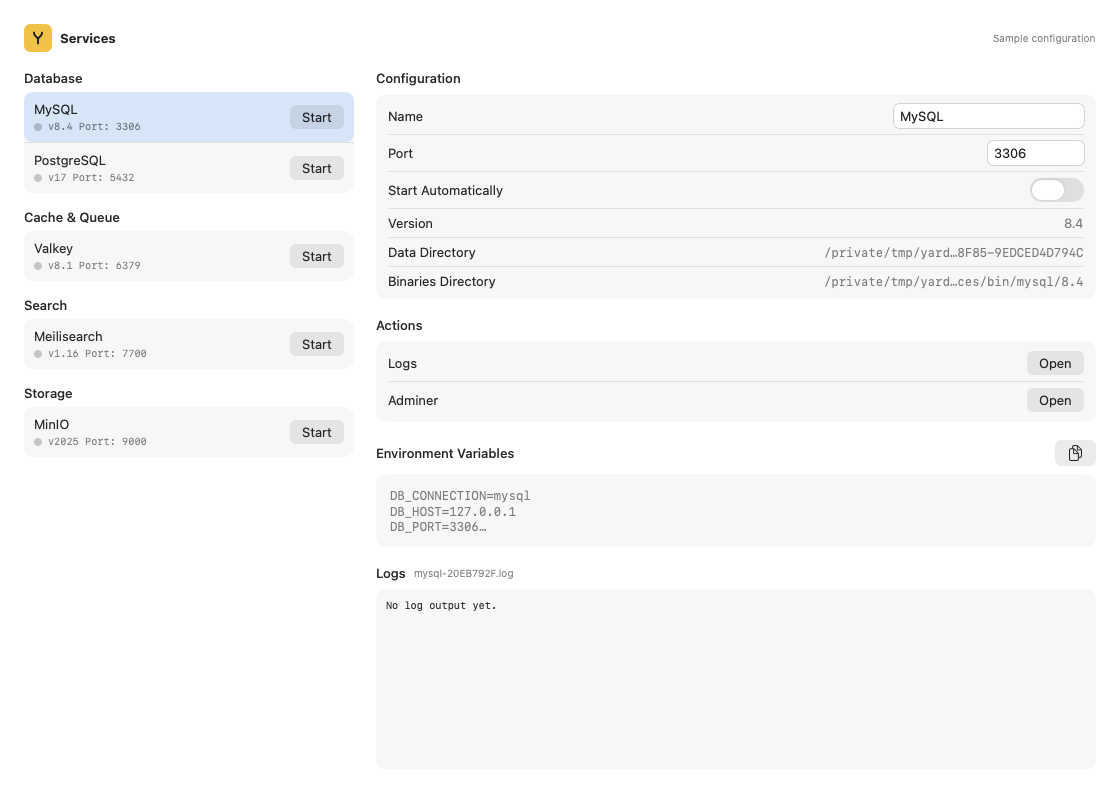
The verified catalog includes MySQL, MariaDB, PostgreSQL, MongoDB, Redis, Valkey, Meilisearch, Typesense, MinIO, RustFS, and Reverb. Versions and availability depend on the catalog.
- Open Settings → Services.
- Add the required service and version.
- Start it and inspect its port and connection variables.
- Select it in the project inspector and configure the project’s
.env.
Inspect from Terminal
yard services:available
yard services:list
yard site:services
yard db:connection
Read yard help services:create, yard help services:clone, or yard help services:delete before changing instances.
Separate data and restore points
A service can serve several projects. Use project isolation to separate databases, cache, and queues. Stopping a project leaves shared services running.
yard db:snapshot before-migration --site my-project
yard db:snapshots --site my-project
Restoring changes data. Stop writers and consult the environment reference first.