Models, providers, and skills
Connect your accounts and configure how your agents work.
Your provider, your choice
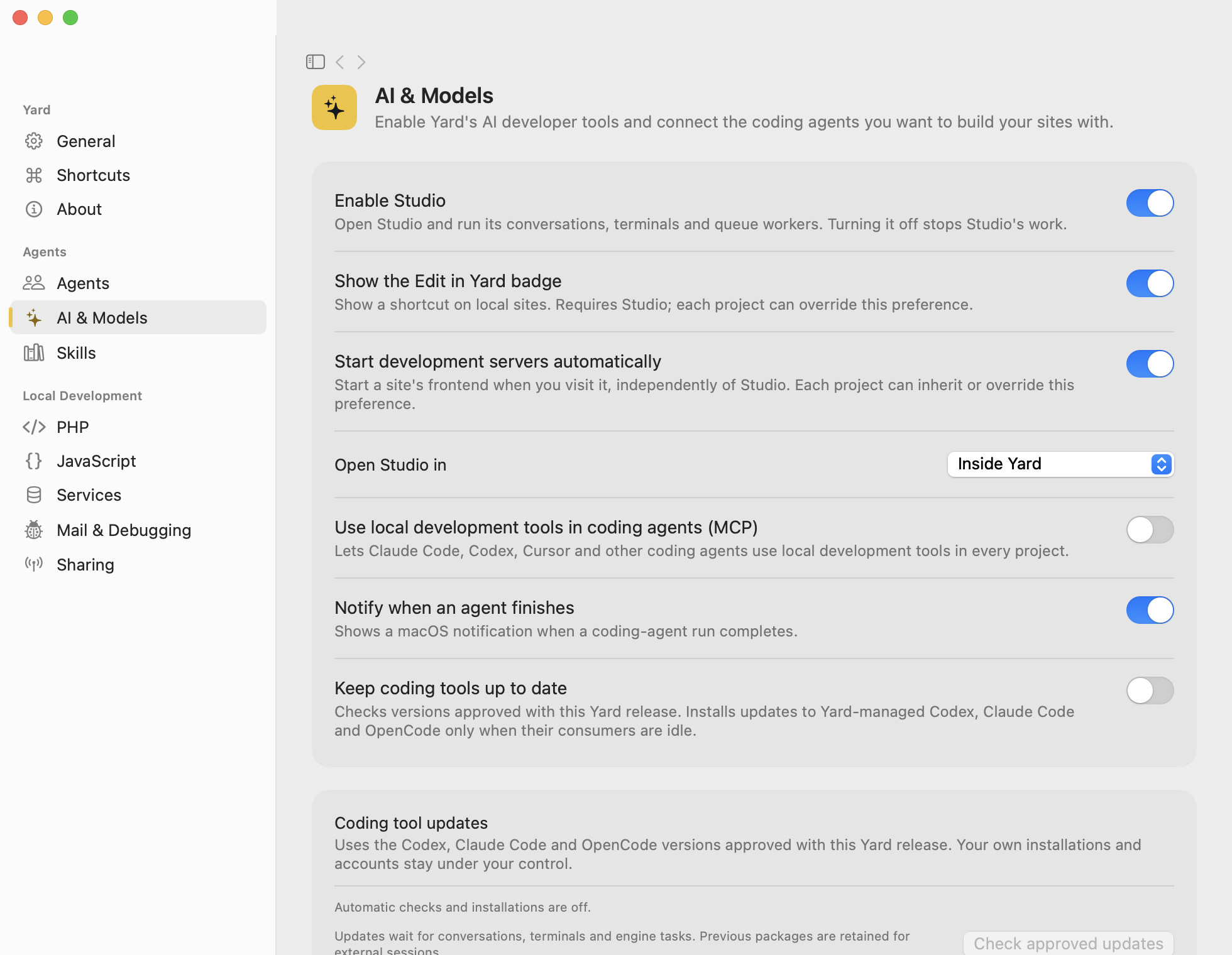
Use Settings → AI & Models to enable Studio, choose models, and configure supported tools. Credentials use the app’s Keychain mechanisms.
Configure each stage
Set provider, model, and effort for Build, QA, Review, and classification, globally or per project. Check limits and verification commands before running tasks.
OpenCode can discover provider models and Copilot options where the account and tool allow it. Catalog availability does not guarantee free or unlimited access; quotas and billing depend on the provider.
yard ai:models
Skills and privacy
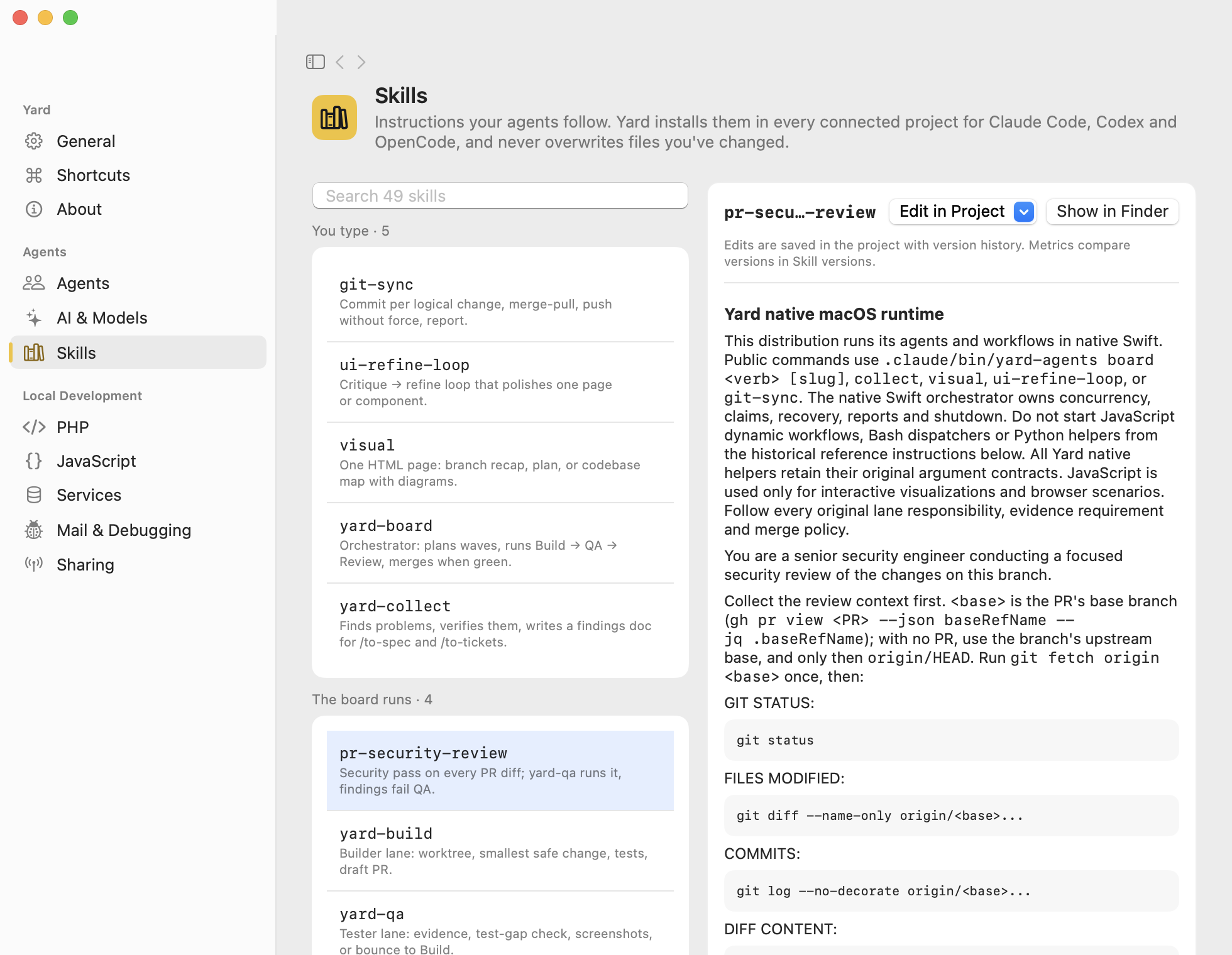
The Skills library includes engine resources and their versions. Review the origin and scope of external resources before adding them.
Check private data before sending context. Dictation starts only when local processing can be guaranteed; availability depends on hardware and OS. Read the dictation privacy reference.