Your first project
Link a folder and open your first .test domain.
Open your workspace
Studio brings your local applications together. Agents handles repository tasks. Switch between them in the sidebar.
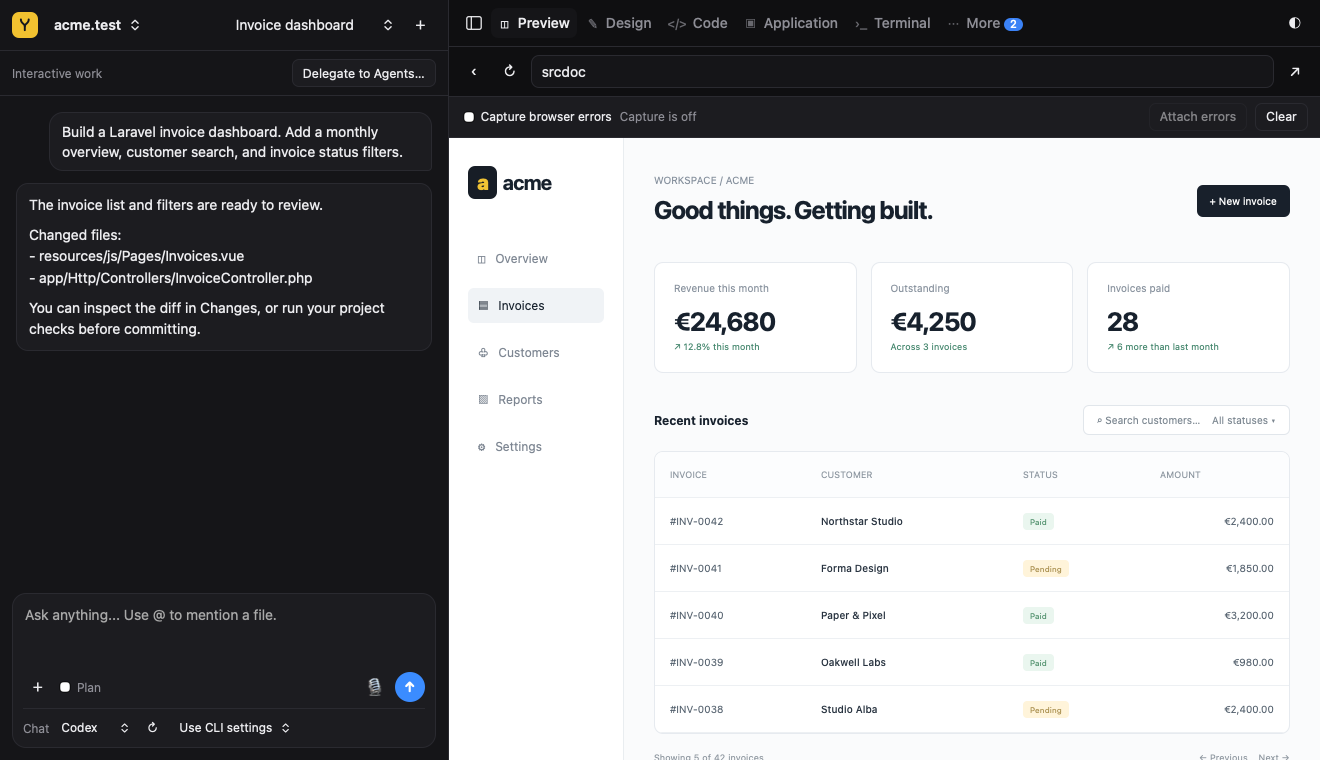
Link an existing project
- Choose Open Folder… and select the project.
- Check its domain and required PHP and Node versions.
- Install dependencies using the project’s package manager.
- Open the exact domain shown by Yard.
cd "/path/to/My Project"
yard link
yard open
Create a new application
Use New Application to set up an app. To create it with AI, first connect a provider in Settings → AI & Models. Models are optional; provider usage may cost extra.
Enable local HTTPS
yard secure
yard open
The local certificate is for development on your Mac. It does not publish the site online. Next, configure services, runtimes, or explore Studio. Use yard help COMMAND for command arguments.