Install Yard
Requirements, first launch, and Mac setup.
What you need
- An Apple Silicon Mac (M1 or later) with macOS 14 Sonoma or later.
- Internet access to download your chosen runtimes.
- Administrator permission for the initial local-domain and certificate setup.
Yard does not require Homebrew or compile dependencies on your Mac. Some services download when you first install them.
Download and launch
- Sign in to your account using your purchase email.
- Download a covered release and move Yard to Applications.
- Open Yard and follow the welcome assistant. It requests permission to configure
.testdomains and the local certificate authority.
Downloads require a published release. Releases outside your update period require an optional renewal.
Your first folder
The assistant suggests ~/Yard. Subfolders of a registered folder become local sites. You can also link projects elsewhere without moving them.
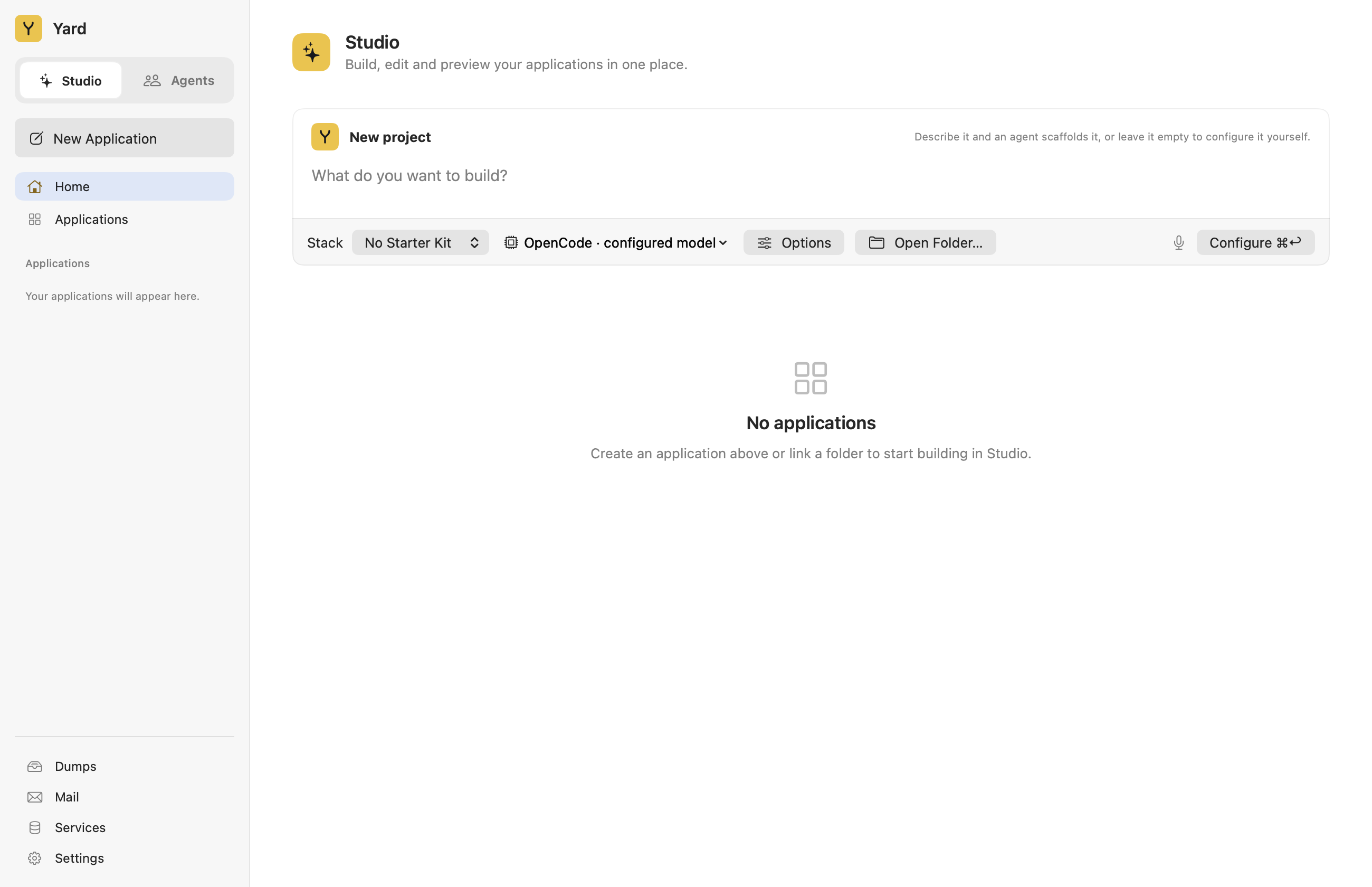
Check the installation
yard --version
yard status
Reopen Terminal if it cannot find yard after setup. Keep the app open to serve projects. If another environment occupies HTTP, HTTPS, or database ports, review its services before starting Yard. For Docker projects, read the Sail guide.